
What is mouse
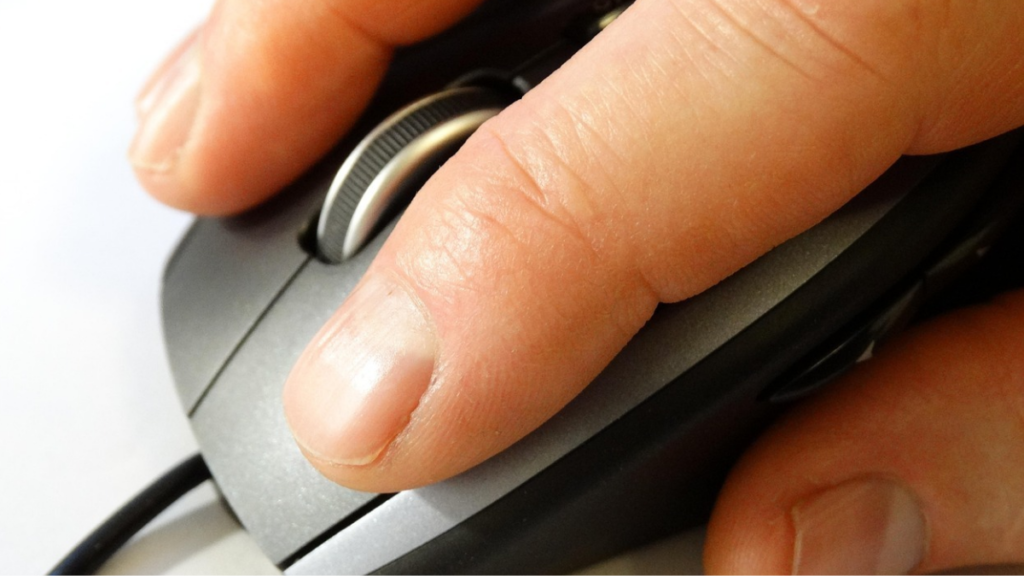 what is mouse
If you want to know what is mouse, the simple answer is that a mouse is a small device that is used to do point work in a computer, laptop, mobile or any desktop device. Just like we touch and click any software or item in a mobile, similarly a mouse is used in a desktop. The Apple company first made the mouse to operate on the desktop.
A mouse usually has two buttons, one on the right and one on the left, which are used for clicking. There is a scroll wheel and laser sensor in the middle, and all of these are used to control the desktop.
Nowadays, the mouse has become a part of the desktop, without which it becomes difficult to control the desktop. It is named after the animal mouse because its shape looks just like that.
History of mouse
You know what is mouse ? but do you know what its history is and who invented it? The mouse was invented in 1964 by a computer scientist, Douglas Engelbart. At that time, the design was not like the present one. The initial mouse had two wheels at the bottom which could move the mouse around and on top, there were two buttons just like the present one. If we talk about the difference, then there is no difference between the present mouse and the earlier mouse. In the initial time, there were two wheels at the bottom of the mouse and now there is no such thing, it is only simpler.
Although the mouse was invented in 1964, it was developed in 1980. This development was first done by Apple. Apple first created a successful mouse for the Macintosh computer, which served as the computer’s input device.
Types of mouse
There are two main types of mice: wireless and wired. Wireless mice are connected to the computer via a wire, called a cable. Wired mice are wireless; they connect to the computer via radio waves, such as Bluetooth.
If we talk about which is better, both are better, but a wired mouse is more reliable than a wireless mouse. However, using it on some devices can be difficult. While a wired mouse is more reliable, a wireless mouse is better when it comes to convenience, although it is somewhat more expensive.
There are many other varieties of mouse as well.
- trackball mouse: The mouse has a sensor shaped like a ball attached to it. To control it, the user moves the ball with their hand.
- touch pad mouse: A touchpad mouse is a flat surface designed specifically for laptops and is controlled by a finger, just like a laptop uses a finger instead of a mouse.
- 3D Mouse: A 3D mouse has a raised part on the top, which houses the sensor and is useful when doing 3D editing or graphy work.
parts of a mouse
If you already know what is mouse ? it’s helpful to also learn about its parts. A normal mouse has three parts, called buttons: one on the right, one on the left, and one in the middle for scrolling. However, there are many different types of mouse, and all other mouse types have even more parts.
what is the use of a mouse
The mouse plays a huge role in operating the computer desktop, which I will explain to you step by step.
- accuracy: If you are operating a computer, you need to control the desktop, such as clicking on an item on the desktop accurately and quickly. You can also do this with keywords, but the mouse provides quick and accurate control.
- motion: The desktop contains many items, one in one corner and the other in another. A mouse is a good option for quickly completing these tasks.
- Rest: Controlling the mouse is not a difficult task, it can be controlled easily.
Characteristics of the mouse
The mouse has many following features which I will tell you step by step.
- button: Generally, a simple mouse has two buttons and both of these buttons are for different functions like clicking an item or opening a software etc., but other mice have more buttons which have different functions.
- scroll wheel: The scroll wheel in a mouse is located between the two buttons and its function is to scroll, as if moving a page up and down.
- Laser Sensor: The laser center is located at the bottom of the mouse and is what moves the mouse pointer.
- Wireless Connectivity: Wireless connectivity allows a wireless mouse to connect to a computer via radio waves.